The Claude Code habits quietly running up your usage
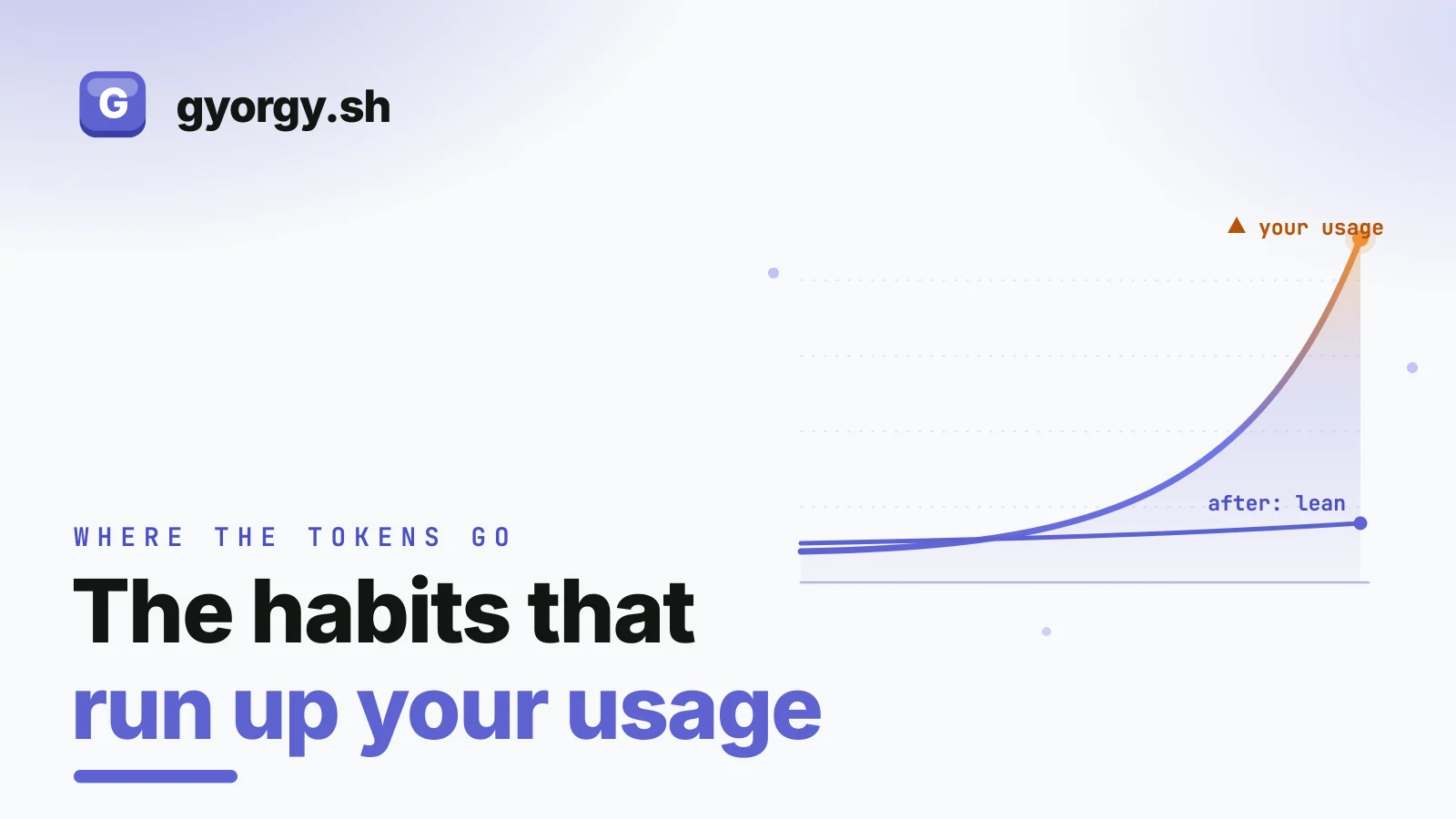
I like Claude Code. I also spent my first few days using it in ways that quietly made it slower, more wasteful, and worse at the actual work, without realizing any of it was my own doing. None of these were the tool's fault. They were habits, and every one of them has a simple fix.
Quick note on what "usage" means here, because it depends on how you run Claude Code. Most people are on a Pro or Max subscription, the 5x or 20x plans, where you are not paying per token, you are spending against usage and rate limits. There these habits show up as hitting your limits sooner and waiting longer for a reset. On Team or Enterprise, usage beyond what your seat includes, or any time you connect an API key, is billed as real money per token instead. Either way the same handful of habits is doing the damage, and the fixes are the same. Here they are, worst first.
1. Running one giant chat all day
The big one. I would open a session in the morning and keep using it for everything, so by afternoon it was dragging tens of thousands of tokens of unrelated history behind it. That makes responses slower, makes cost spikes more likely, and makes the answers worse.
The fix: match the session to the task. Start fresh when you switch jobs, and summarize when one job runs long. Full version: managing context in Claude Code, and the decision guide for /clear versus /compact.
2. Not knowing why a long chat gets dumber
For a while I thought a struggling session just needed more information, so I pasted more into it, which made it worse. The reason is a real, documented effect: as the context window fills, the model's recall and accuracy degrade. More context is not more understanding.
The fix: keep the window focused and stop pasting what the agent can read itself. Why it happens and what to do: context rot.
3. Leaving everything on the most capable model
Half of what you ask an agent to do is mechanical, and running mechanical work on the priciest model is the easiest money leak there is. On the Claude API, the top model costs five to ten times what the cheapest one does.
The fix: use a light model for light work. /model sonnet or /model haiku for the quick stuff, save the heavy model for genuinely hard tasks. How to choose: which Claude model to use.
4. Doing all the grunt work in your main model
Reading ten files and grepping a big codebase is where most of a task's tokens go, and I was doing all of it in my main, expensive session, which also stuffed the results into my context window.
The fix: hand the bulky exploration to a cheap sub-agent that works in its own window and returns just a summary. It saves tokens and keeps your main session lean at the same time. How to set one up: sub-agents in Claude Code.
5. Firing off vague prompts and paying for the redos
A fuzzy prompt does not fail cleanly. It produces a confident answer to the wrong question, and you burn three rounds re-explaining what one good prompt would have gotten right.
The fix: have Claude help you sharpen the request before you run it. Ask what is ambiguous, answer that, then run the tightened version. The loop: meta-prompting.
6. Letting it build before you agree on the plan
The most expensive thing an agent can do is confidently build the wrong thing across a dozen files. Then you are unwinding real changes instead of correcting a sentence.
The fix: for anything bigger than a small edit, use plan mode. Claude lays out its approach and waits for your sign-off before touching a file, so you catch a wrong turn while it is still just words. How I use it: plan mode.
7. Re-explaining the same facts every session
The build command, the conventions, the one file you must hand-edit. I was retyping these into prompt after prompt, paying for them every time and getting wrong guesses whenever I forgot.
The fix: say the durable facts once in a CLAUDE.md and Claude Code loads them every session. What to put in it and what to leave out: writing a CLAUDE.md that stops you repeating yourself.
A bonus: watching a run that does not need you
Not a cost leak so much as a time leak. Plenty of the runs I kick off, a long refactor, a churning test suite, do not need me watching them. I used to sit at the desk anyway.
The fix: turn on remote control, walk away, and approve the occasional prompt from your phone or your wrist. How I set it up: using Claude Code remotely.
The thread through all of it
Every one of these is the same idea wearing a different hat: carry only what the task needs, and put the thinking in before the doing. Lean context, the right model for the job, a sharp prompt, a plan you agreed to, facts written down once. Do those and Claude Code gets faster, cheaper, and noticeably better at the work, all at the same time.
If you want the fleet-of-agents version of this, one capable model steering many cheap ones with memory and schedules and your approval on anything risky, that is what I am building over at MyAgens. Same principles, more machinery.
And one practical footnote, because it comes up in every Claude Code thread I read. If you have ever left a long run going and then stood there afraid to close the lid, keeping a finger wedged between it and the trackpad so the Mac will not sleep and kill the session, that exact fear is why I built Keepresso. It keeps the Mac awake with the lid shut and the screen off, so you can close the laptop and let the run finish. No finger required.
Keepresso My menu-bar app for keeping a Mac awake on your own terms, even with the lid closed. Real power assertions, smart triggers, gaming mode. Free and open source. Try it