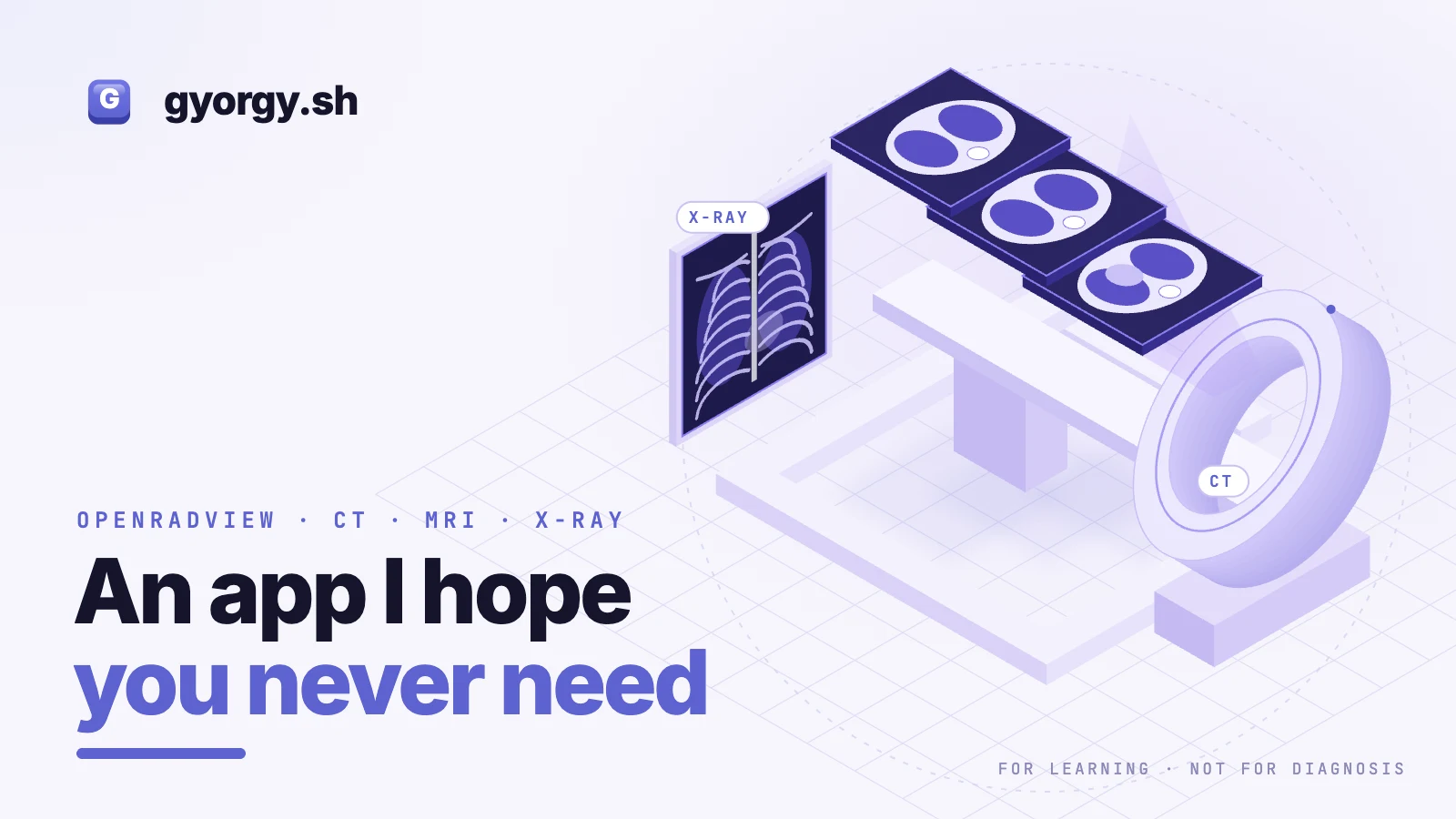
OpenRadView: an app I hope you never need
I lost my mother recently. She is the reason I started experimenting with this.
If something feels wrong, see a doctor early and keep asking questions. OpenRadView cannot help with that. It is a personal research project, not certified medical software.
What you get after a scan
After a CT, MRI or X-ray, a radiologist reads the images and you get a written report of what they saw. Your doctor works from that report, and you do not need to do anything else.
The images often come home with you too. Some places still burn a CD, others send a link to a zip file, usually with little explanation. Inside are DICOM files, the format medical scanners use, and most computers cannot open them without extra software. Keep them anyway. You can bring the originals to a future checkup or to another professional, who will open them in their own certified systems. And some people want to see their own images.
What OpenRadView does
OpenRadView is a free, open-source viewer for that last group, people who want to see their own medical images on their computer. Point it at the files, the folder or the zip, and it shows you the images. Everything is processed on your machine. There is no account, no telemetry and no upload.
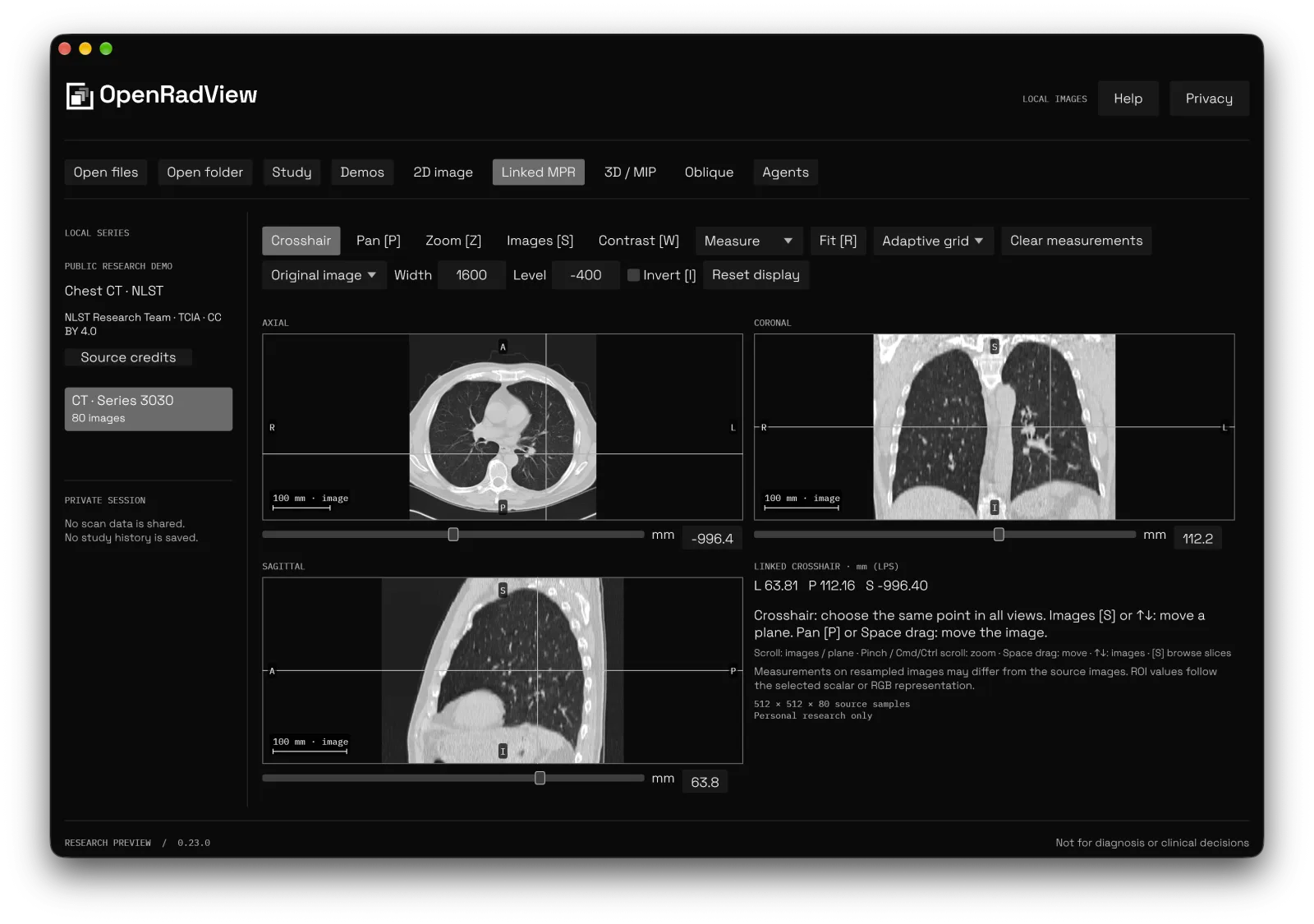
The chest CT above is a public research scan: National Lung Screening Trial Research Team, TCIA, NLST, CC BY 4.0. It shows the software, not a finding.
You can:
- open DICOM and NIfTI files, folders and zip archives
- change contrast (window and level), pan, zoom and invert
- see linked axial, coronal and sagittal views of the same volume
- tilt an oblique plane, or try the experimental 3D and MIP views
- measure distance and angle where the file carries real-world geometry
Say you broke your leg. Once your doctor has read the X-ray, you might want to see for yourself where the break is. That kind of curiosity is what OpenRadView is for.
What it does not do
OpenRadView has not been clinically validated. Do not use it for diagnosis, screening, treatment or any decision about your care. It does not replace a radiologist, a doctor, a technician or the certified software they use. It has no AI of its own, and it gives no opinion.
Images, orientation, measurements and reconstructions can be incomplete or wrong, and display settings can hide information. Use what you see to learn, and act only on what a clinician tells you. Ask a clinician to interpret your scans.
Bring your own agent, if you want
AI agents keep getting better at reading images, so the app has an optional MCP connection. An agent you already use, such as Claude, Codex, Cursor or Grok, can ask to see a view. LM Studio, or an Ollama model behind an MCP-capable client, keeps it on your own machine.
Nothing is shared by default. The agent asks, and the app shows you what it wants and the risks. You allow one series or the views you have reviewed, and you can revoke access at any time. A cloud agent may still send what you share to its provider, so check that provider's data settings first, including opting out of model training if you want more privacy. OpenRadView cannot enforce a provider's retention or training terms, and it cannot recall a copy once it is sent.
Whatever the agent says is experimental AI commentary from that agent, not from OpenRadView, and it can be wrong. It is not a diagnosis and not a second opinion.
Where I think this goes
This part is my opinion. Over the next few years I expect models trained for medical imaging to improve, and some may be small enough to run at home. An MCP connection is one way a viewer could hand a scan to a tool like that. Whether any of it becomes safe and reliable is for researchers, regulators and clinicians to establish, and none of it exists in OpenRadView today. Do not read this as a reason to trust an AI reading of your scans.
So this is a self-research project. Experiment, learn and look for yourself, then take your questions to a professional.
How it is built
OpenRadView is written in Rust, with egui for the interface and wgpu for rendering, which runs on Metal on Apple Silicon. Large studies load into bounded caches, and on my Mac scrolling through a few hundred slices keeps up with the trackpad. That speed is what makes it fun to explore. It says nothing about whether the images or values are medically correct.
Try it
OpenRadView is free and licensed GPL-3.0-or-later, so the full source is open to read or fork. It is tested on macOS 13 or later on Apple Silicon, with Windows and Linux build previews. Download it from openradview.com.
It is a personal research project for education, not clinically validated. Ask a clinician to interpret your scans, and do not use the app for decisions about care.