tokenstat: from a token heatmap to a home base for coding agents
It has been a while since I posted here. I was busy, and this is what I was busy with.
Long story short, this is tokenstat: it runs your coding agents on your Mac or a server, and lets you reach them from your phone. It started with something much smaller.
I wanted to see my AI usage in one place
I switch between coding agents and frontier models all the time, to see what works best for my use cases, what gives the best value, and how far each plan's limits go. Claude Code, Codex, Cursor, Grok, each of them writes its own logs in its own format in its own folder. I wanted all of them counted in one record, with a heatmap like GitHub's contribution graph, so I could see how it adds up and what value and how many tokens I get out of each subscription.
I really like command-line tools, so the first version was a CLI. The first public release, on July 30, was the CLI and an MCP server over the same engine, so an agent could ask about its own usage. You run tokenstat scan, it reads the session files your tools already wrote, keeps the counters and drops the conversation text. Run tokenstat on its own and you get a full-screen view with the heatmap, the busiest day, your streak and a table per model.
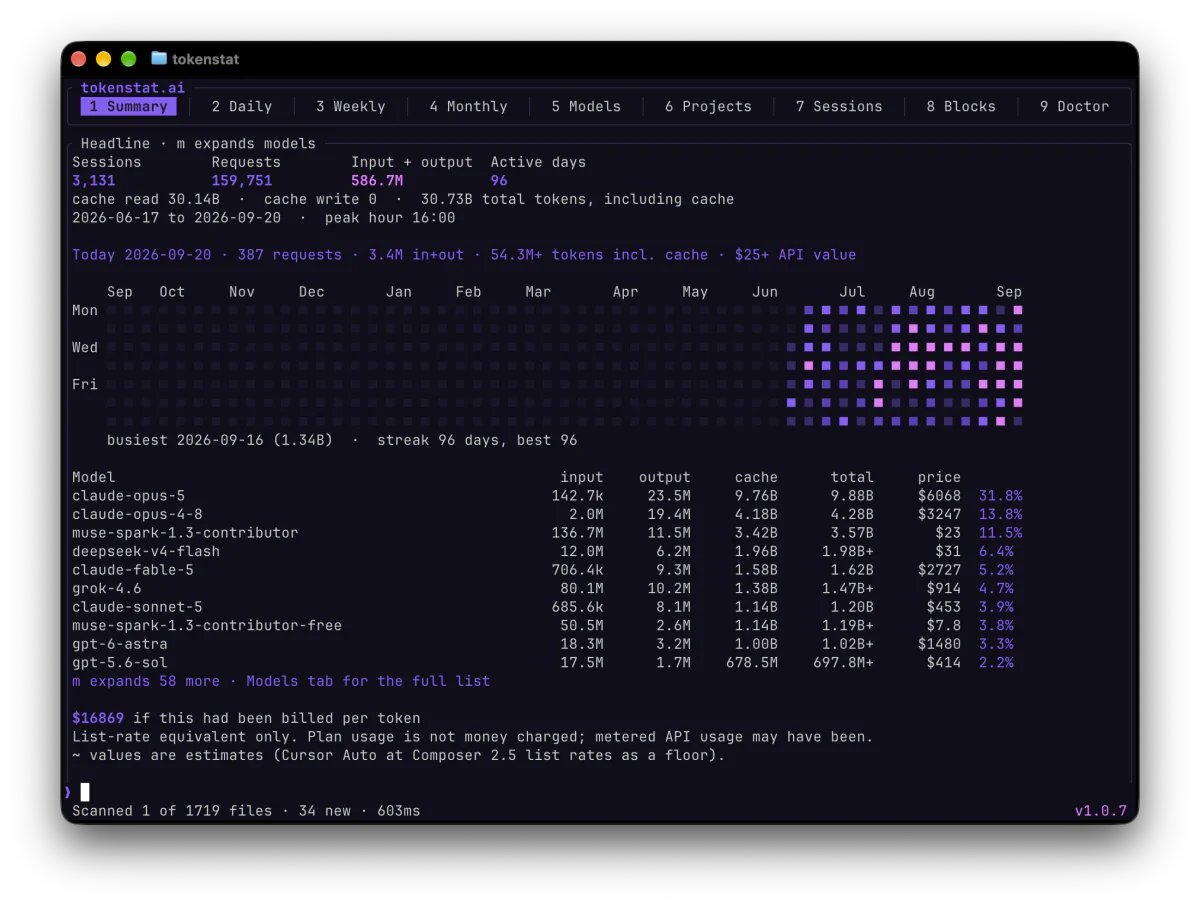
It reads usage from 18 tools today, most of them from files on disk and Cursor through the Cursor app's own credential.
Then a desktop app, and then it felt empty
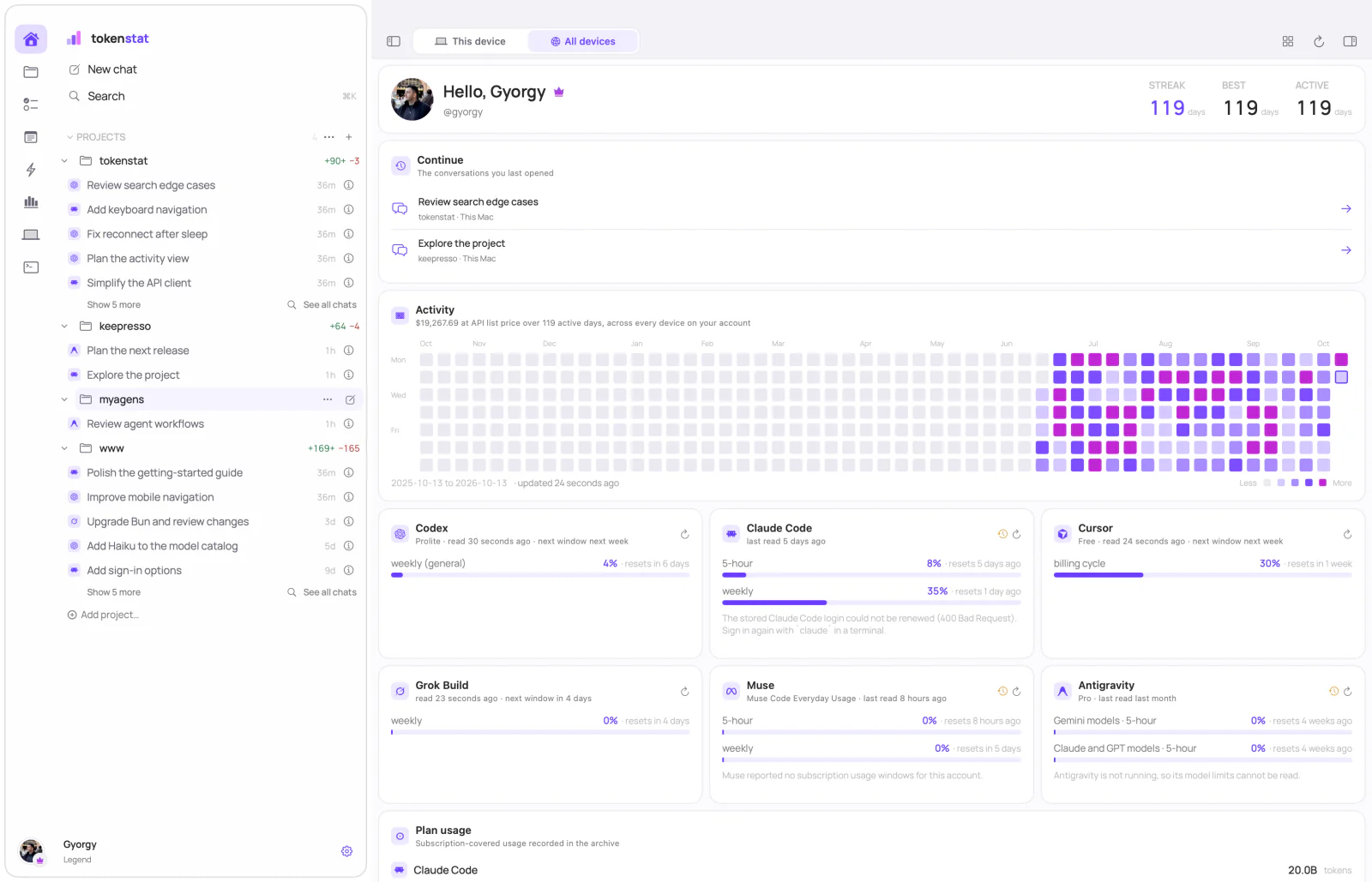
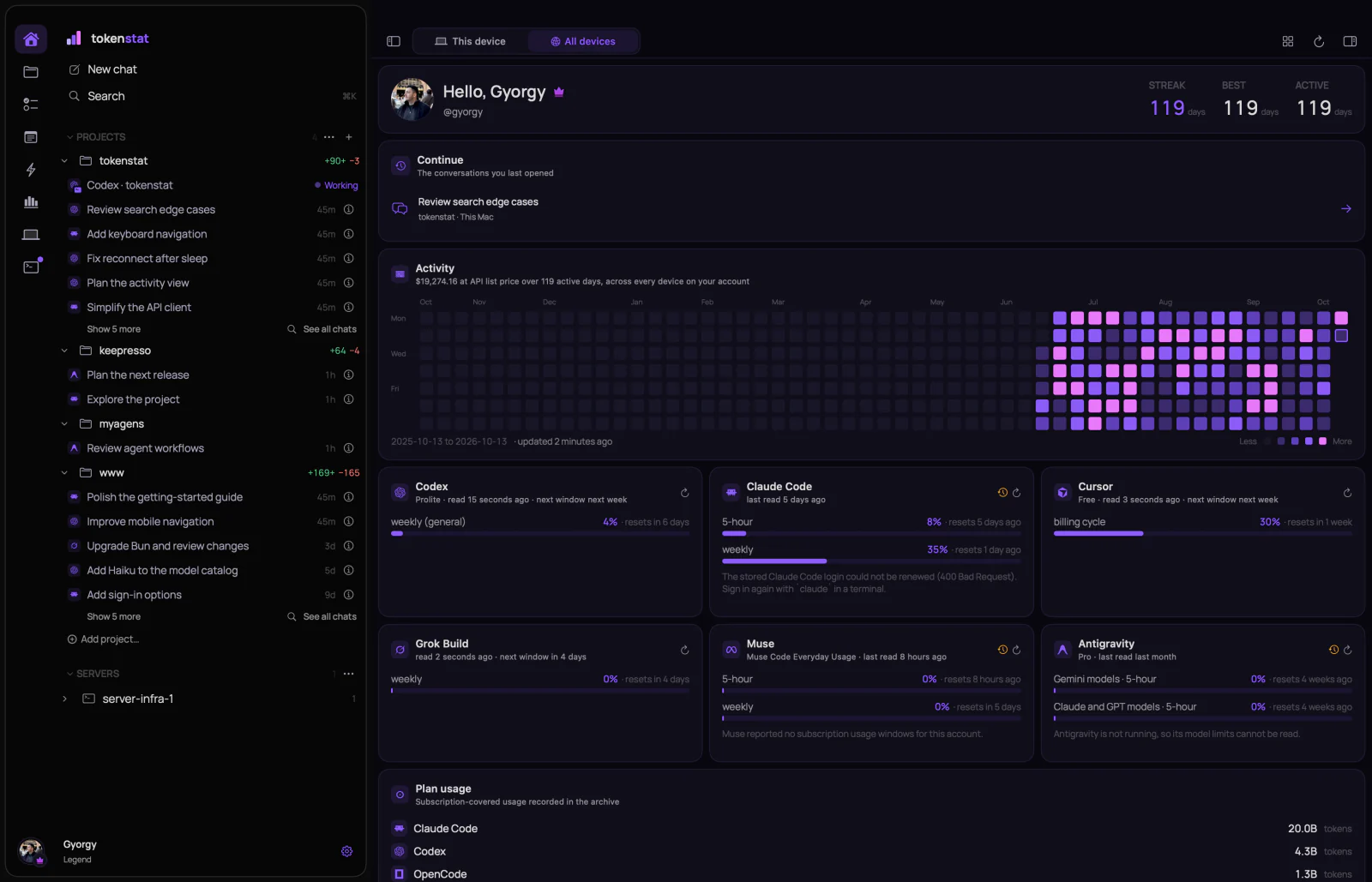
A CLI is fine for me, but I figured an app would be easier for most people, so on August 5 the Mac app arrived with the same numbers: a Home screen with the heatmap, today and this week, plan limits for each subscription, and Insights to break it all down by model, tool and project.
Once it was there, a stats app felt empty. I was already living in those agents all day, in a pile of terminal tabs. So I put them in the app. The same release ran agent sessions in a real terminal owned by a small host daemon, so a session keeps going when you close the window. Each folder became a workspace with its files and its Git history next to the agents working in it.
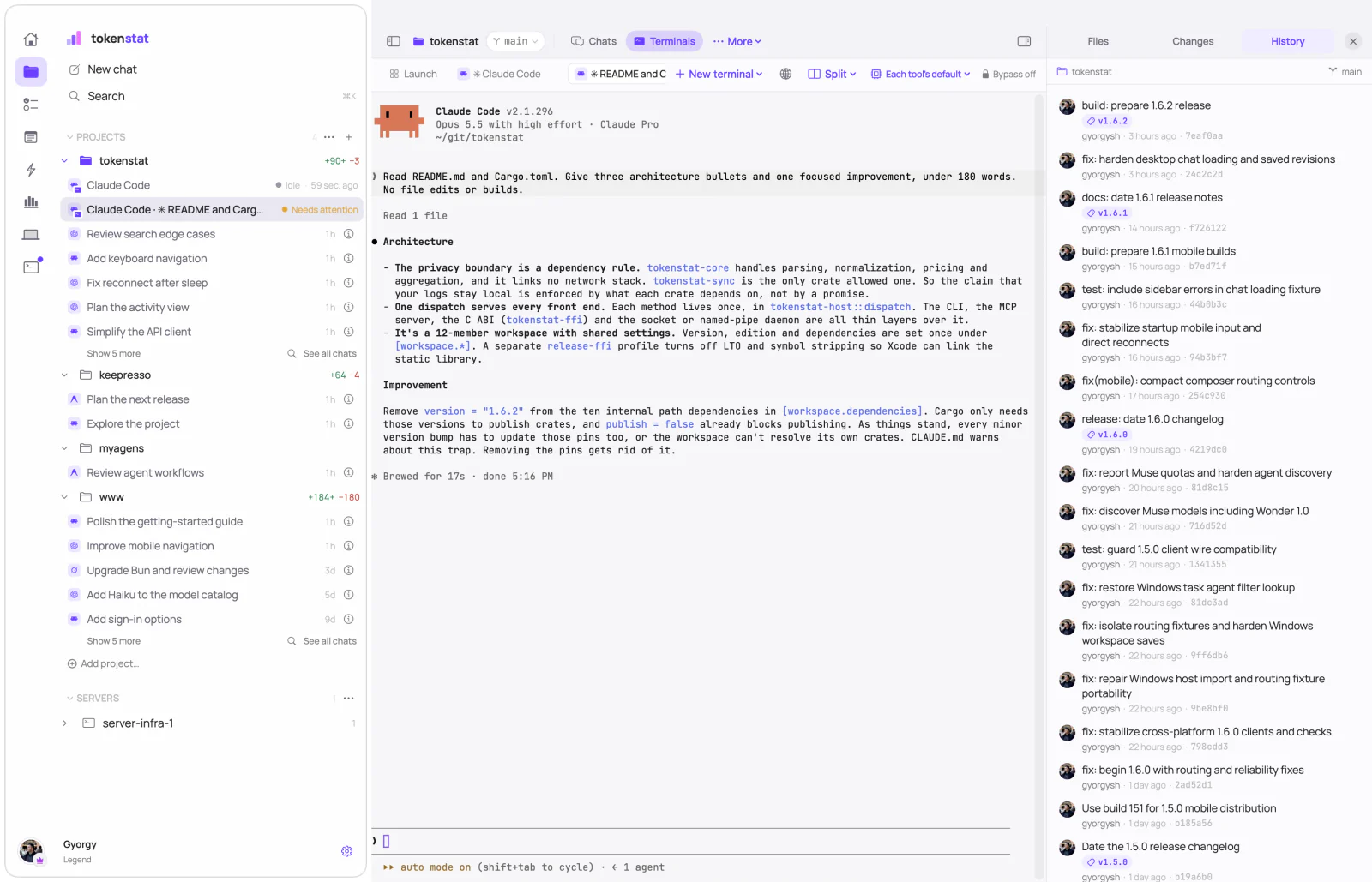
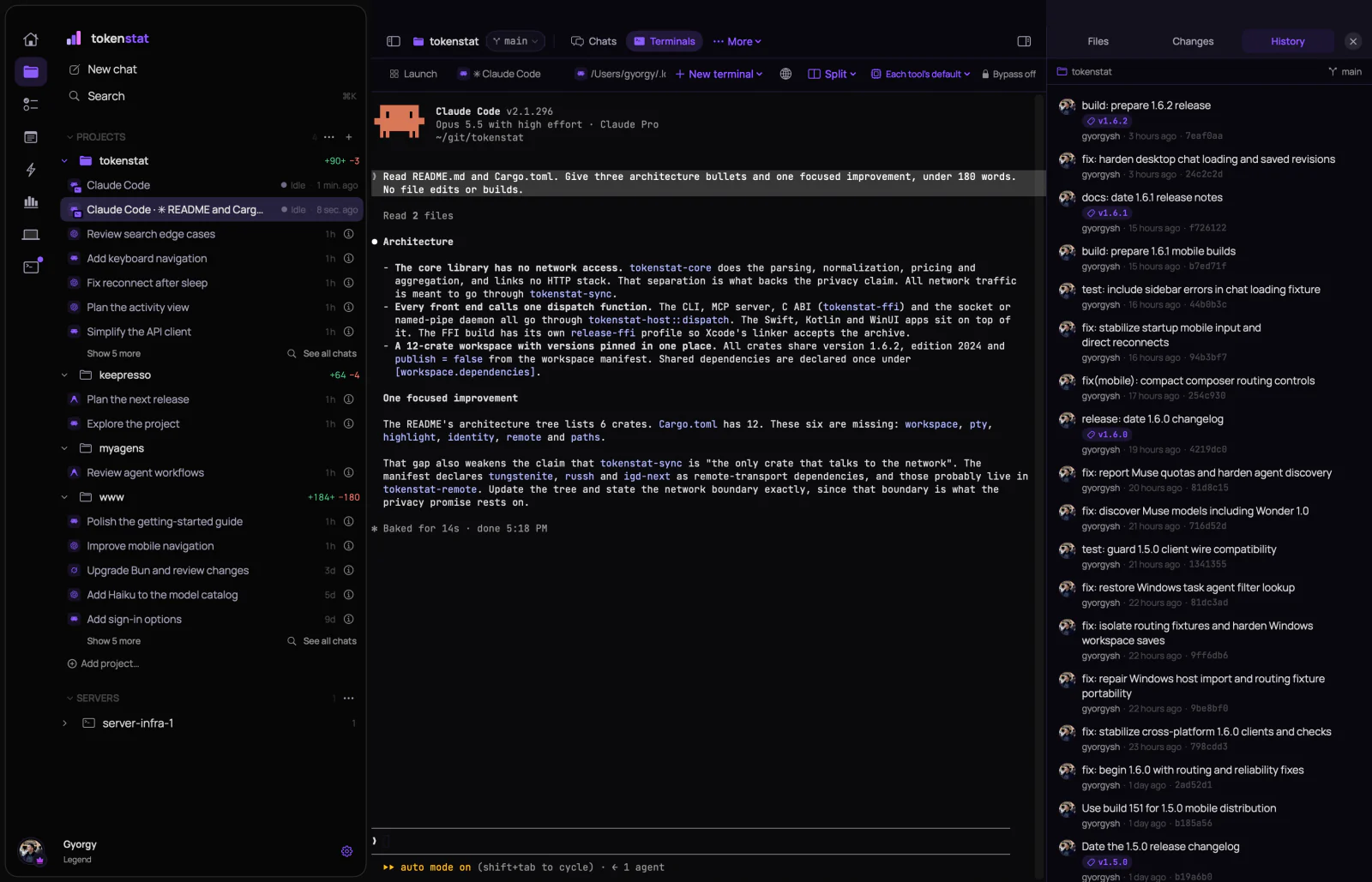
After that it was one small tool at a time, each because I needed it that week: reviewing what an agent changed, commit and push, auto commit, the full history, pull requests with their diffs and checks. Most of my day now happens in this window.
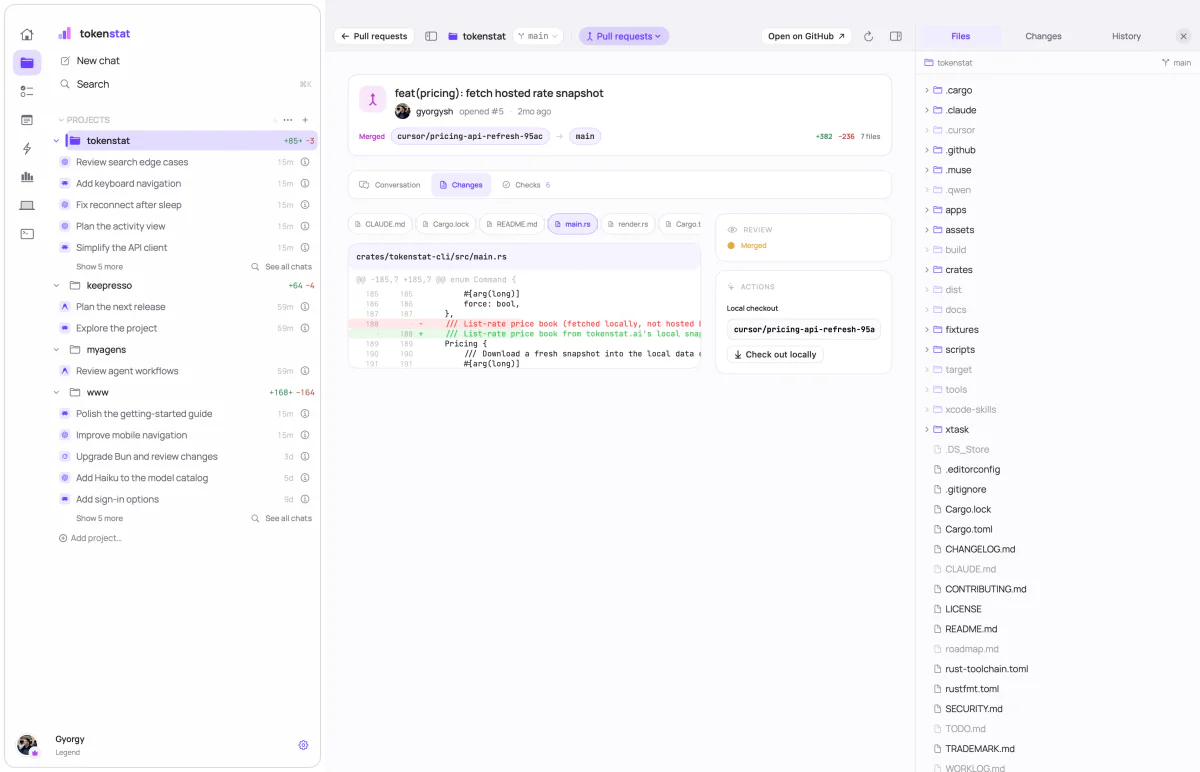
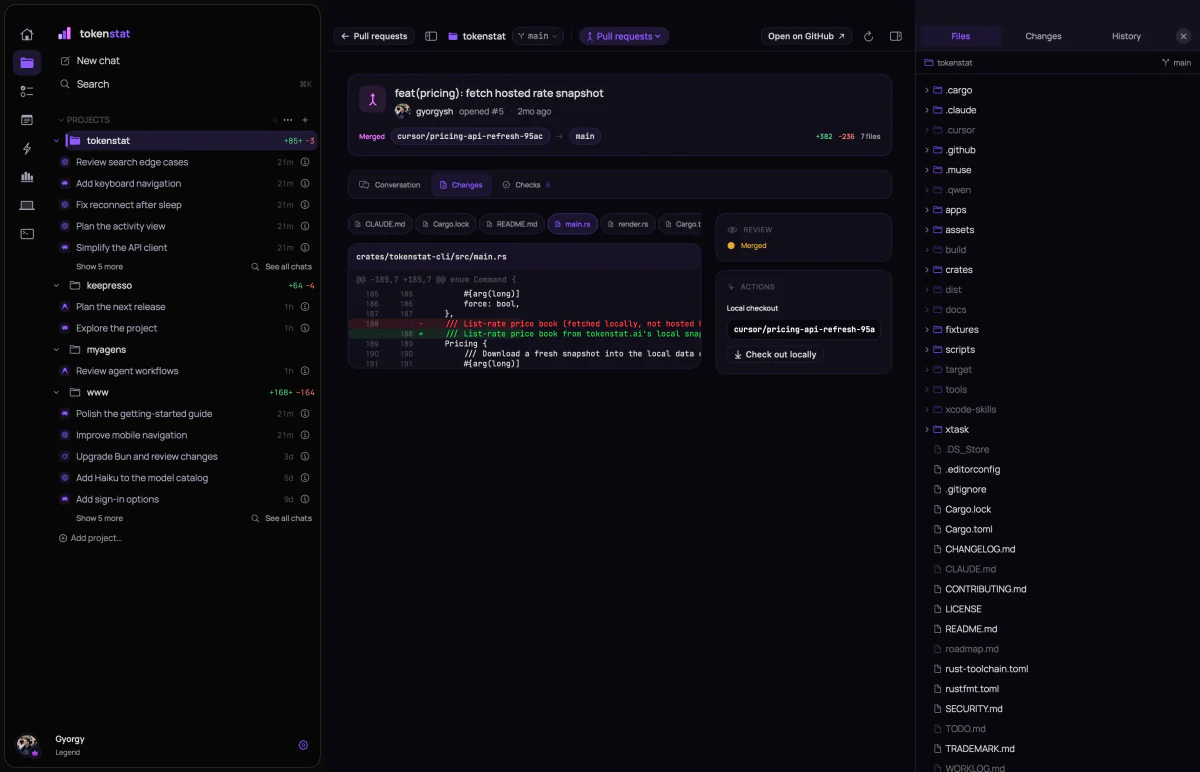
Reaching it from my phone
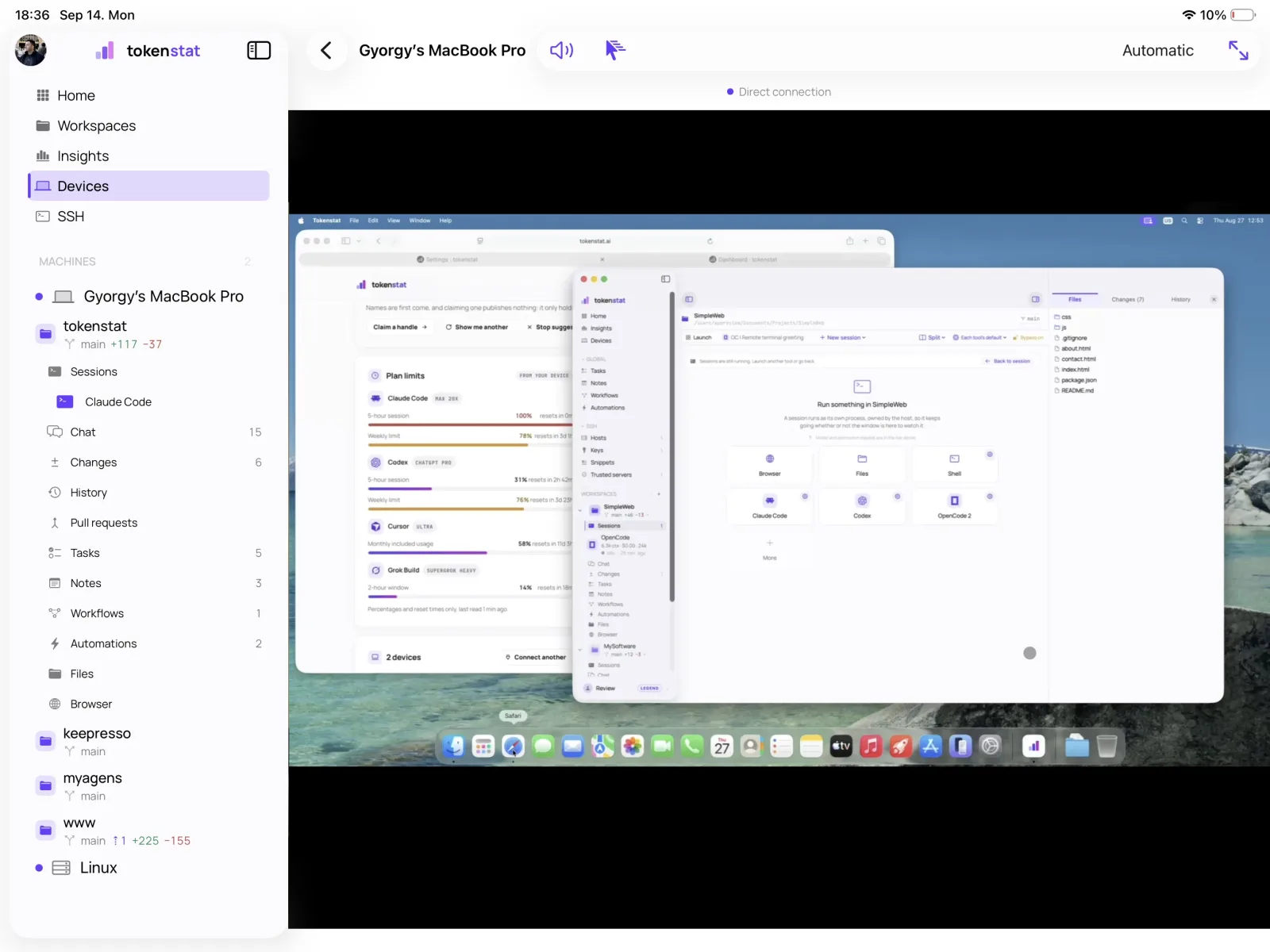
Agents run for a long time, and I am not always at my desk while they do. I wanted to check on a session from my phone, answer it, and see what it changed. That is how the iPhone and iPad apps were born, in mid August.
The part I cared most about was the connection. I wanted an end-to-end encrypted relay designed with privacy in mind, so there can be no data leak through it, because it has nothing to leak. The tunnel forwards a stream that is already encrypted between your two machines, and it cannot read it. Being signed in to the same account is not enough either. Each device has to be approved on the computer it wants to reach, and watching or controlling the screen are two more separate yeses.
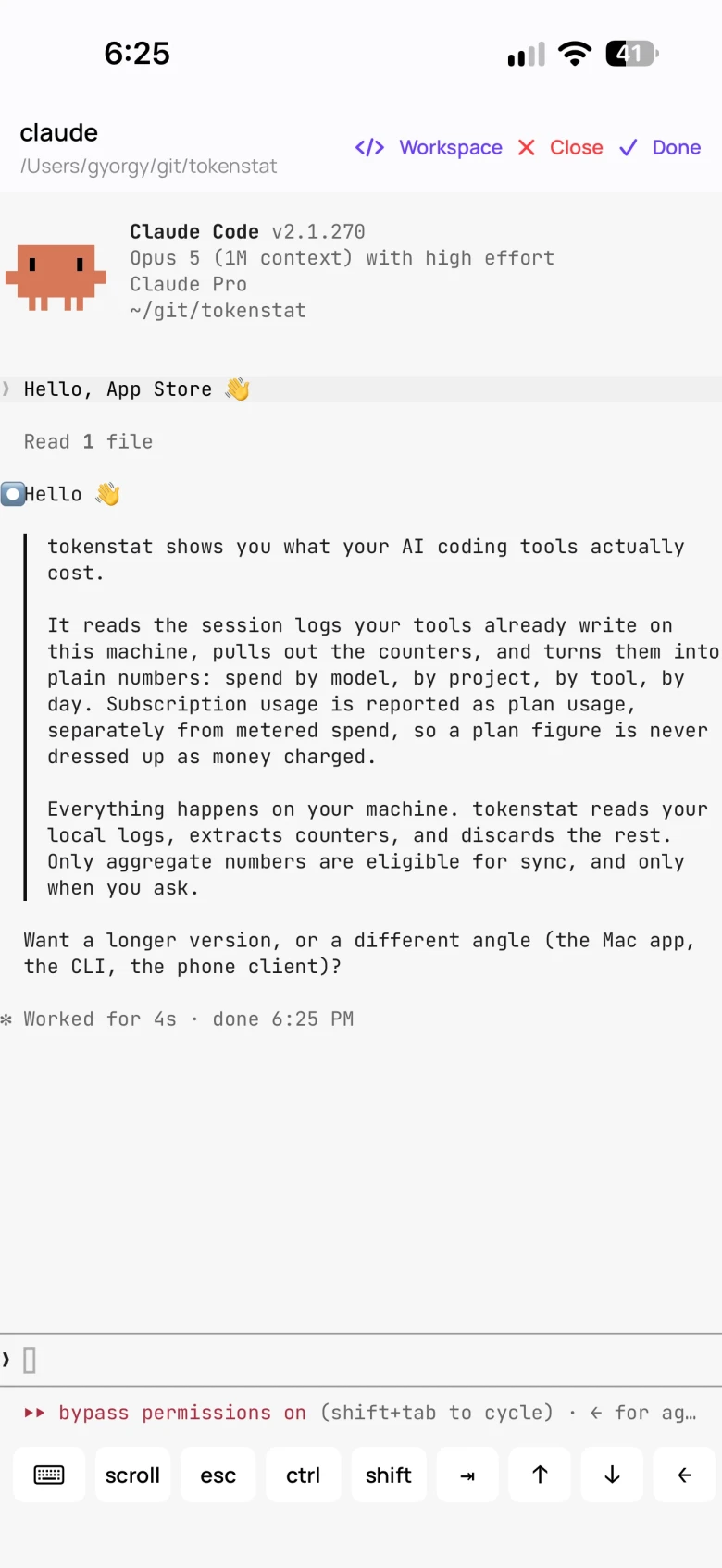
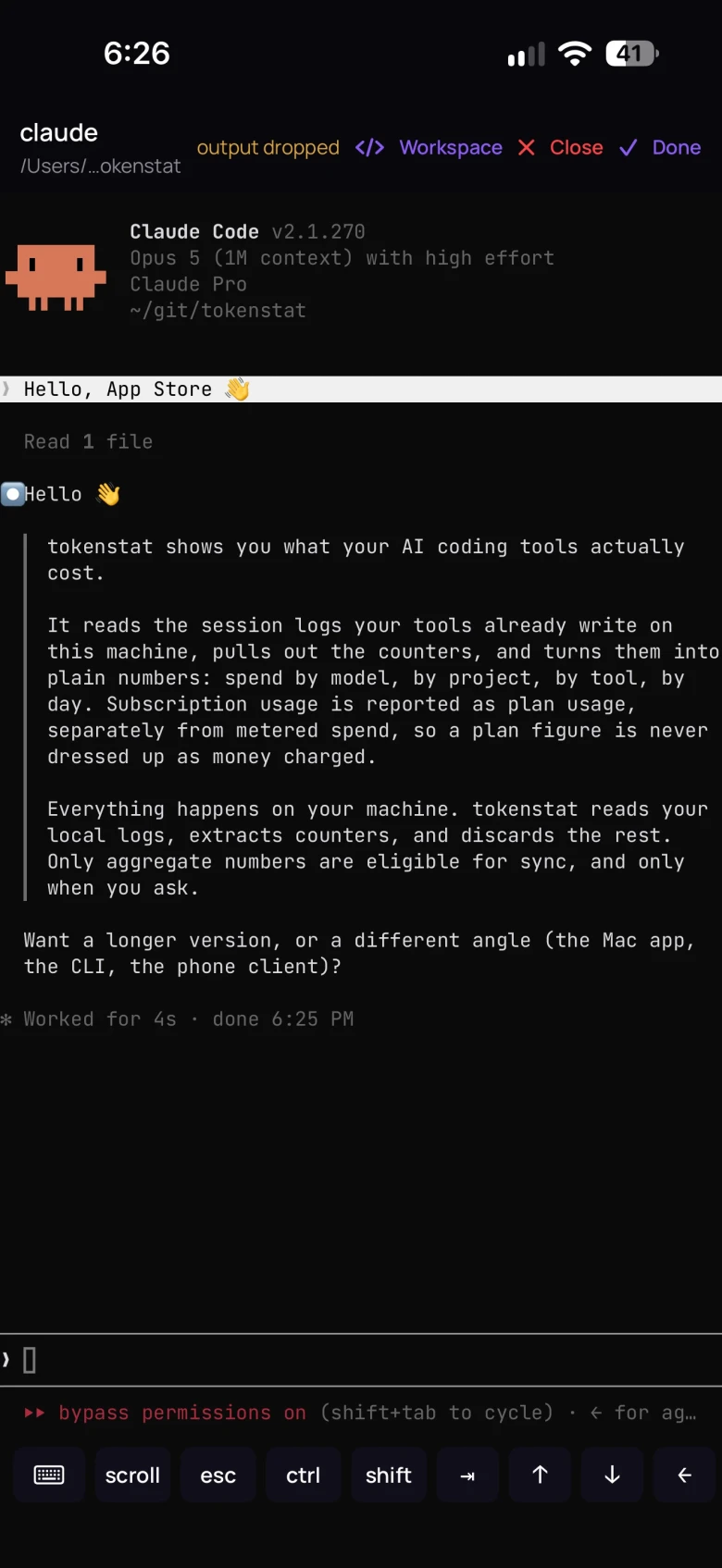
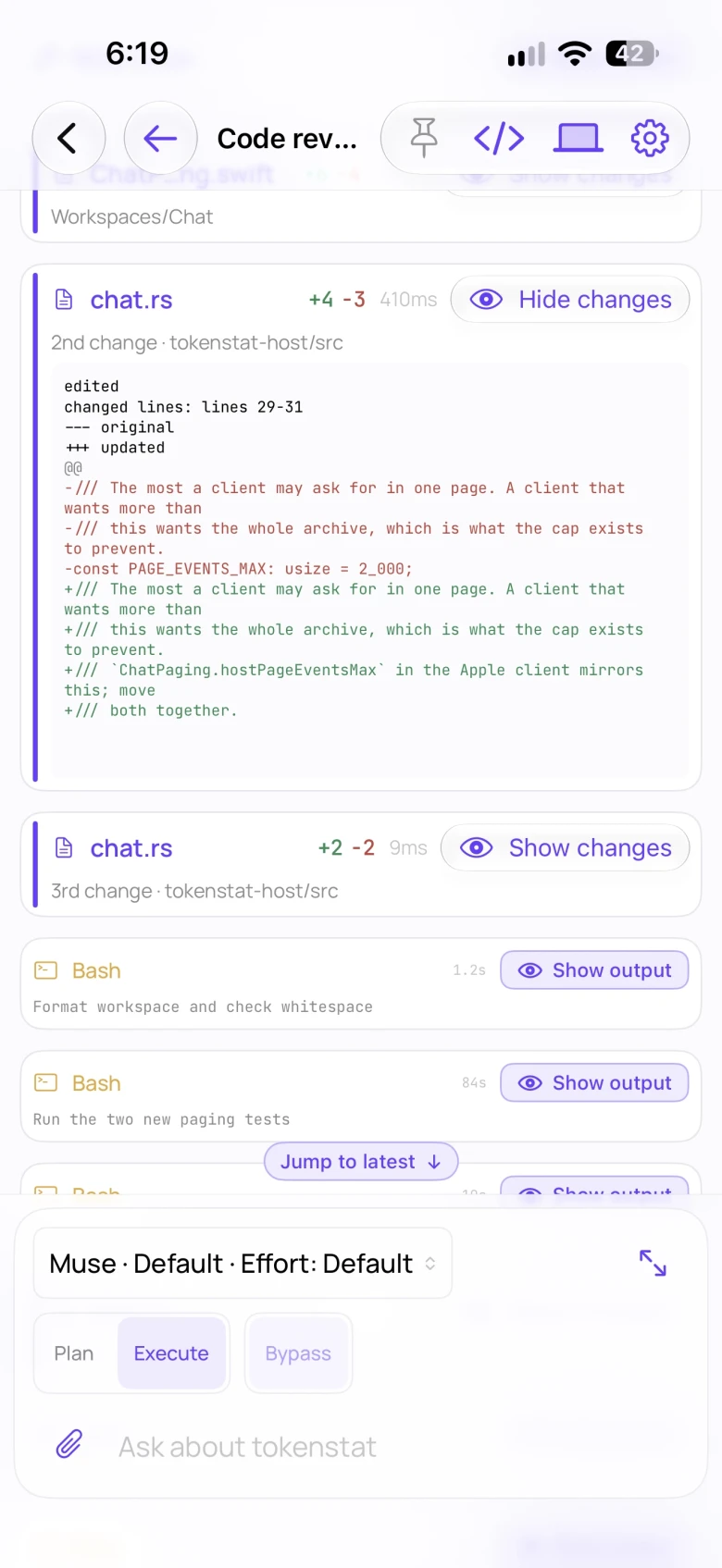
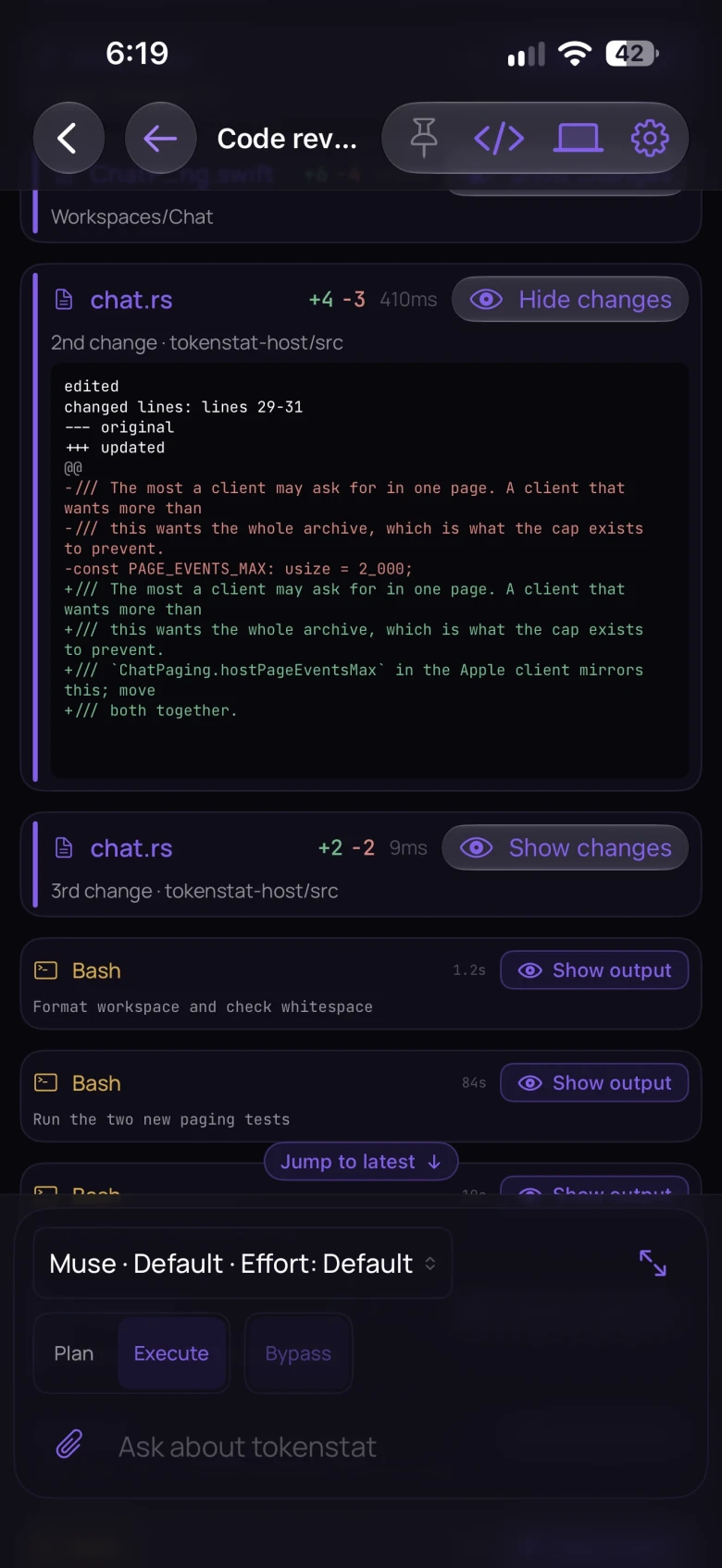
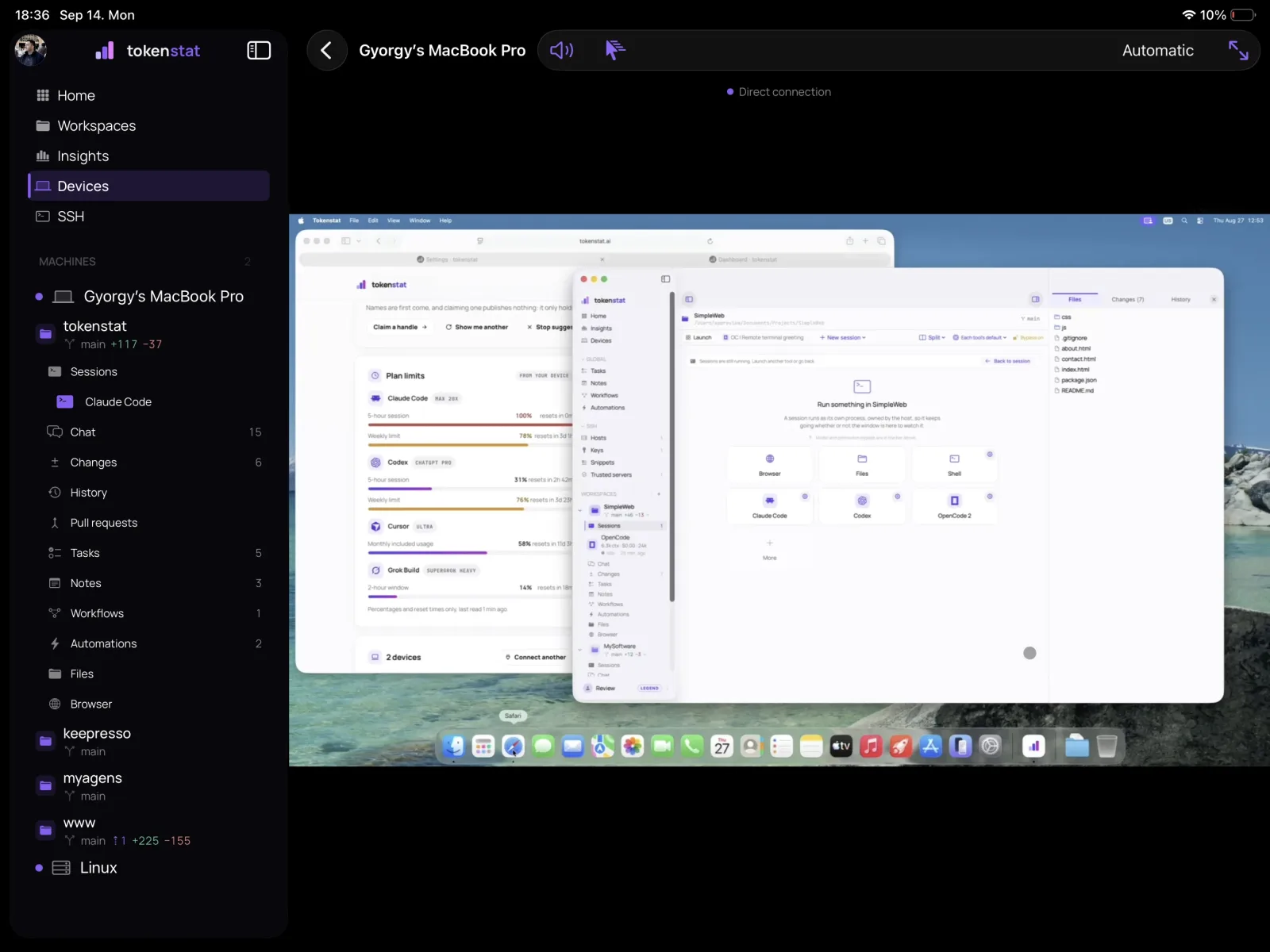
The same machine from the phone: a live terminal, and a chat in the Standard view.
Why chat, and why it had to be good
Watching a CLI from the phone works, even with some latency, and starting a session or picking one up is easy. Typing into a terminal on a phone keyboard, on a train with one bar of signal, is miserable.
So I built a full chat on top of the same agents, with a shared memory of the conversation that any of them can pick up. The feature I use most turned out to be handoff. You run out of your 5-hour window halfway through a plan, you pick another agent, model or effort, and it carries on with the same conversation. From the phone, too. It improved my productivity a lot. Seven agents work in chat today: Claude, Codex, Cursor, Grok, Muse, Antigravity and OpenCode, with more coming.
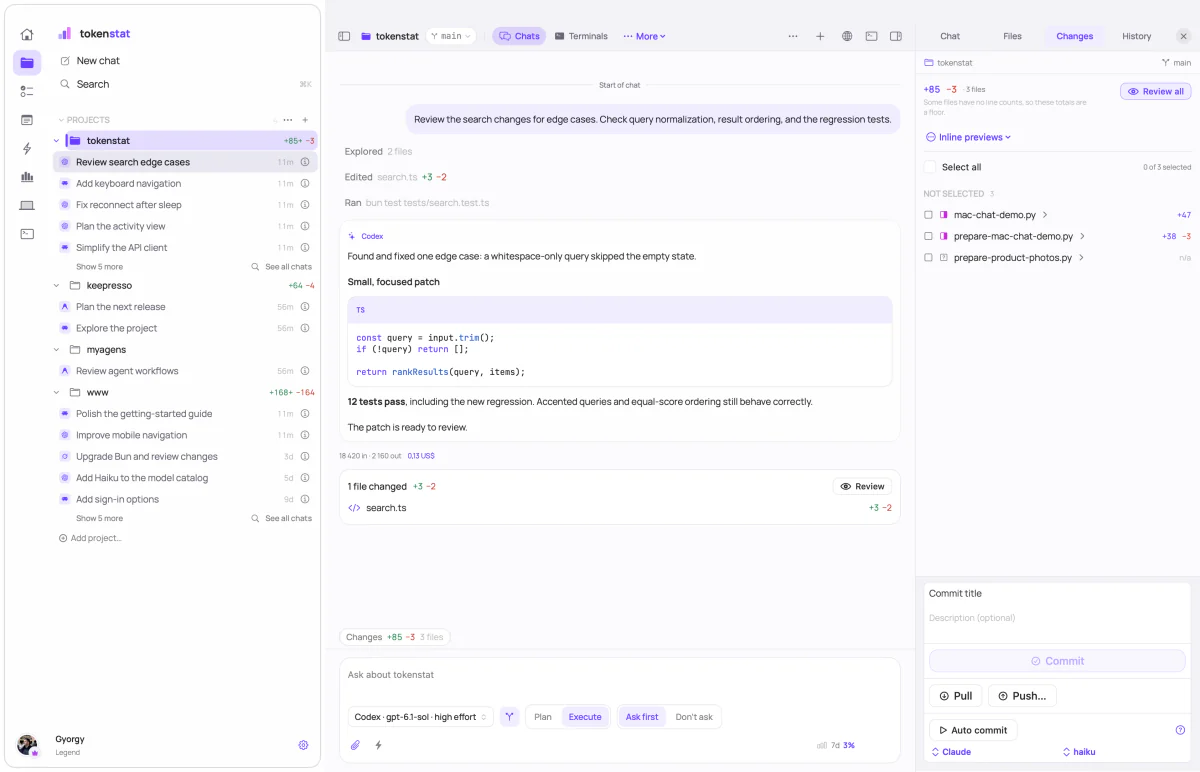
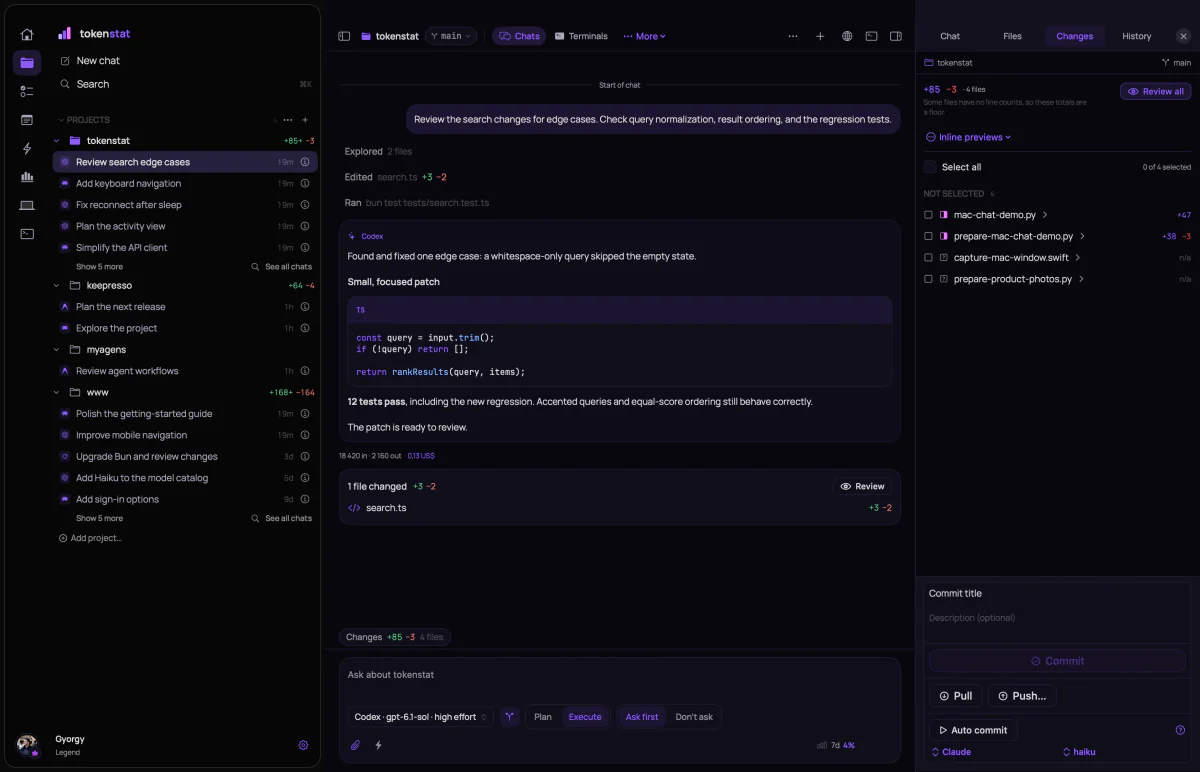
A chat added only to have one would not have helped me, so I kept working on it. A chat can be shown Compact, Standard or Detailed, from replies only up to every step with its output open. Images the agent reads or captures show up beside the step that made them. Review opens exactly what one turn changed, even after later edits and commits. Beside the conversation there is a workbench with the Inspector, the changes, a browser for the dev server, and as of this week an iPhone and iPad Simulator, so I can watch an agent build the app and tap through it myself.
Everything else came naturally
Once I could reach my machines from anywhere, the rest followed the same principles. Remote desktop to watch or drive a Mac's screen. SSH management, with hosts and snippets that sync between all your devices. Credentials in an end-to-end encrypted vault behind your password and a recovery code. The server only ever holds ciphertext, so there is no operator reset, and not even I can open it for you. Touch ID or Face ID to unlock it.
Today it reads usage from 18 coding tools, runs 7 agents in chat, and has far more features than I could explain here at a length anyone would want to read. The desktop, mobile and CLI pages cover each part properly.
Source you can read
tokenstat makes claims about your data: what it reads, what it keeps, what may leave your machine. A claim like that is worth nothing if nobody can check it, so the code is published under a source-available licence and anyone can read it.
The releases are built from that same code. GitHub Actions builds the CLI and the desktop app from a version tag on main, and published tags are immutable, so nothing changes between the commit and the build. Every download ships with a SHA-256 checksum, and you can see exactly which commit it was built from.
What it costs
Everything that runs on your own machine is free: the Mac app, the CLI and the MCP server, with no account. Reaching one machine from another, including from your phone, starts at $48 a year. You can see what my own usage looks like at tokenstat.ai/gyorgy.
Get it
- macOS: download the Mac app, signed and notarized, for Apple silicon and Intel.
- iPhone and iPad: tokenstat on the App Store.
- Android: tokenstat on Google Play.
- Windows: a preview build of the desktop app is on the download page.
- CLI on macOS and Linux:
curl -fsSL https://tokenstat.ai/install.sh | bash - CLI on Windows:
irm https://tokenstat.ai/install.ps1 | iex
The source is on GitHub. Stars are appreciated.
What is next
The Windows desktop app is still a review build, and I want it out of review. A desktop app for Linux is planned, where today you get the CLI and the always-on host. More agents are coming to chat.
I will do my best to answer questions and to listen to feedback and feature requests. You can find me on X, Telegram and GitHub.